Recruiting

AI recruiting and applicant tracking software

Every candidate arrives with their skills measured against what the role asks for. The interview stops being where you find out.

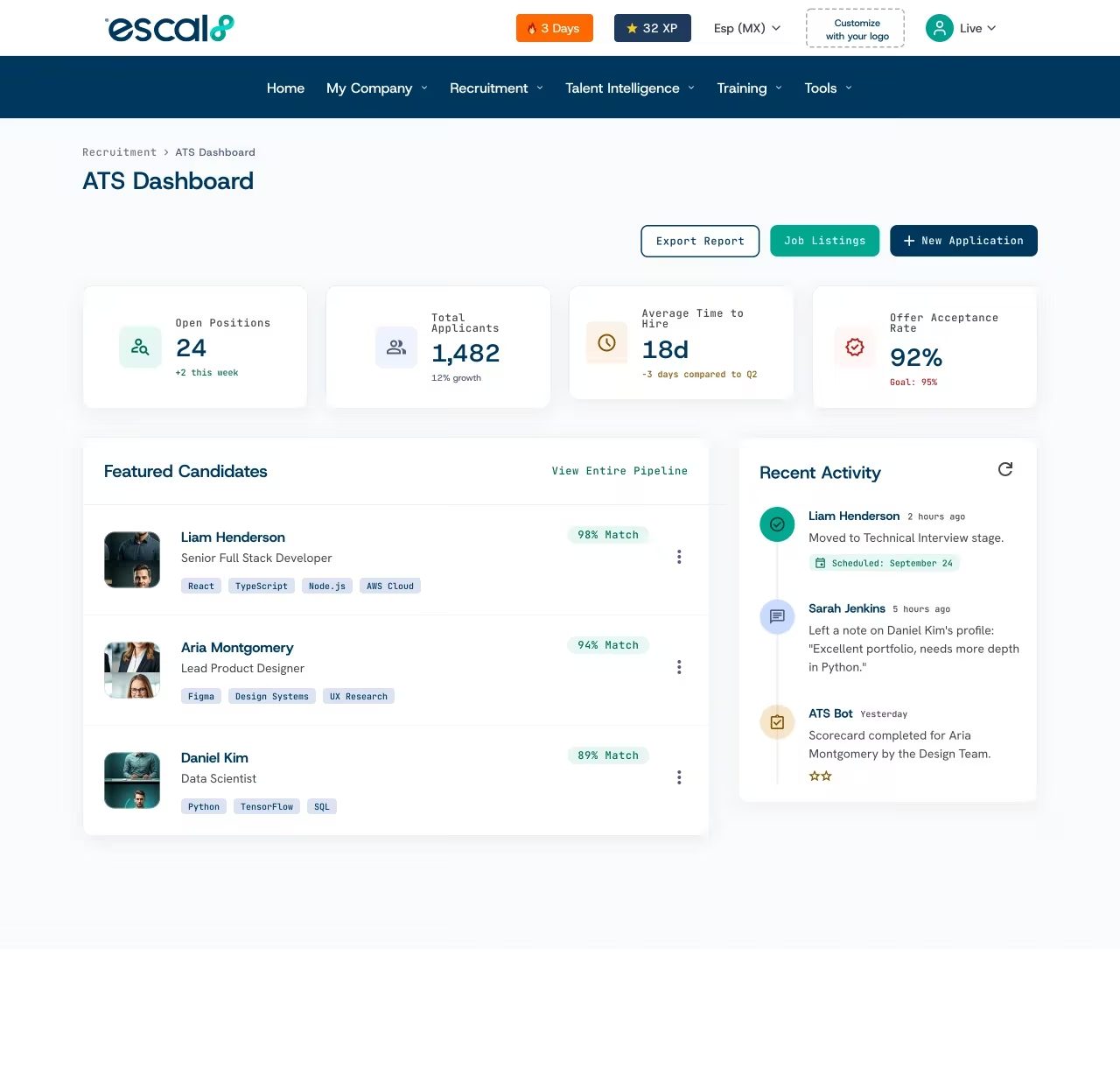
With Escal8's ATS you post the opening calibrated by skills, every candidate gets a match score against the role with their strengths and flags, and you move them through the stages you defined for that opening until you hire them and send them to onboarding.

7%of non-executive roles are filled by someone who already works at the company.SHRM ↗

Companies already making decisions with Escal8

Creando TalentoGATPreheatedRitch MuellerVidaltaEagle Property CapitalIbáñez Parkman

What it solves

What your recruiting team gets from the Escal8 ATS

1

Fewer interviews for the same hire.

The only people who reach your team's calendar are the ones who already cleared the first screen.

2

Less time reading resumes.

Candidates arrive ranked by fit to the role, not by who applied first.

3

Interviews that confirm instead of explore.

You go in knowing what to check on each person and come out with it settled.

4

A process that looks like the role.

The sales rep goes through a case study; the finance manager, through an interview with leadership.

5

You know where your best people come from.

How many candidates come from LinkedIn, referrals, or your own site.

How it works

How Escal8's recruiting software works

  1. 1

    You build the opening around skills.

    A five-step wizard takes you from the role description to the skills it asks for and the level of each one, connected to the ESCO occupation classification.

  2. 2

    You share it where your people are.

    Every opening gets its own short link and QR code.

  3. 3

    Kova screens the candidates.

    It asks the first questions, the screening call your team makes today, and tells you who clears the basics.

  4. 4

    Every candidate arrives already read.

    Match score, an AI profile analysis, and green and red flags.

  5. 5

    You move them through your stages.

    You drag each candidate through the process you defined for that opening, all the way to Hired.

  6. 6

    You send them to onboarding.

    From their profile, in one click, they enter the first stage of their onboarding.

Build the opening around skills, not a loose description

A five-step wizard takes you from the role description to the skills it asks for and the level of each one, connected to the ESCO occupation classification.

  • What anyone sees at a glance. Area, city, priority, remote work mode, key skills, number of applications, and salary range.
  • Edit, duplicate, or close. Without leaving the list. Duplicating helps when you open the same role in another city or another season.
List of openings in the Escal8 ATS, each with its area, city, key skills, and salary range

Frequently asked questions

Frequently asked questions about recruiting software

An ATS, or applicant tracking system, is recruiting software: you post openings, receive candidates, and track each process by stage, instead of splitting it between a spreadsheet and a folder of emails. Escal8's also calculates each candidate's match against the role's skills.

The AI compares each profile against the skills and levels you calibrated for the role, calculates a match score, summarizes the profile, and flags strengths and concerns. The decision to advance or reject stays with your team.

When you create the opening you define which skills the role asks for and at what level, based on the ESCO classification. The match compares each candidate's profile against that calibration and splits it into skills, motivation, and cultural fit.

Yes. Every opening has its own board, and between New and Hired you create the stages that role needs.

Every opening gets a short link and a QR code. With those you post it wherever it helps: LinkedIn, your social accounts, a WhatsApp group, or a notice board on the floor.

Yes. You post the opening without showing your company's name, for searches that cannot be announced yet.

It is the first filter before the interview: confirming the candidate clears the basics of the role. In Escal8, Kova does it, asking each candidate the first questions and telling you who advances.

It is filling an opening with someone who already works at your company. Escal8's ATS looks for internal candidates for every opening and ranks them by match score.

Yes. You import them from a spreadsheet into the opening and they land on the same board as the people who apply directly.

Only the people you invite, and only on the openings you choose: one, several, or all of them.

See it on your own data

In 30 minutes we show you your team's 8MAP with your own data.

Contact sales