Onboarding

Employee onboarding software

The welcome kit arrived on Wednesday, the email account on Friday, and nobody told them which floor to go to on day one.

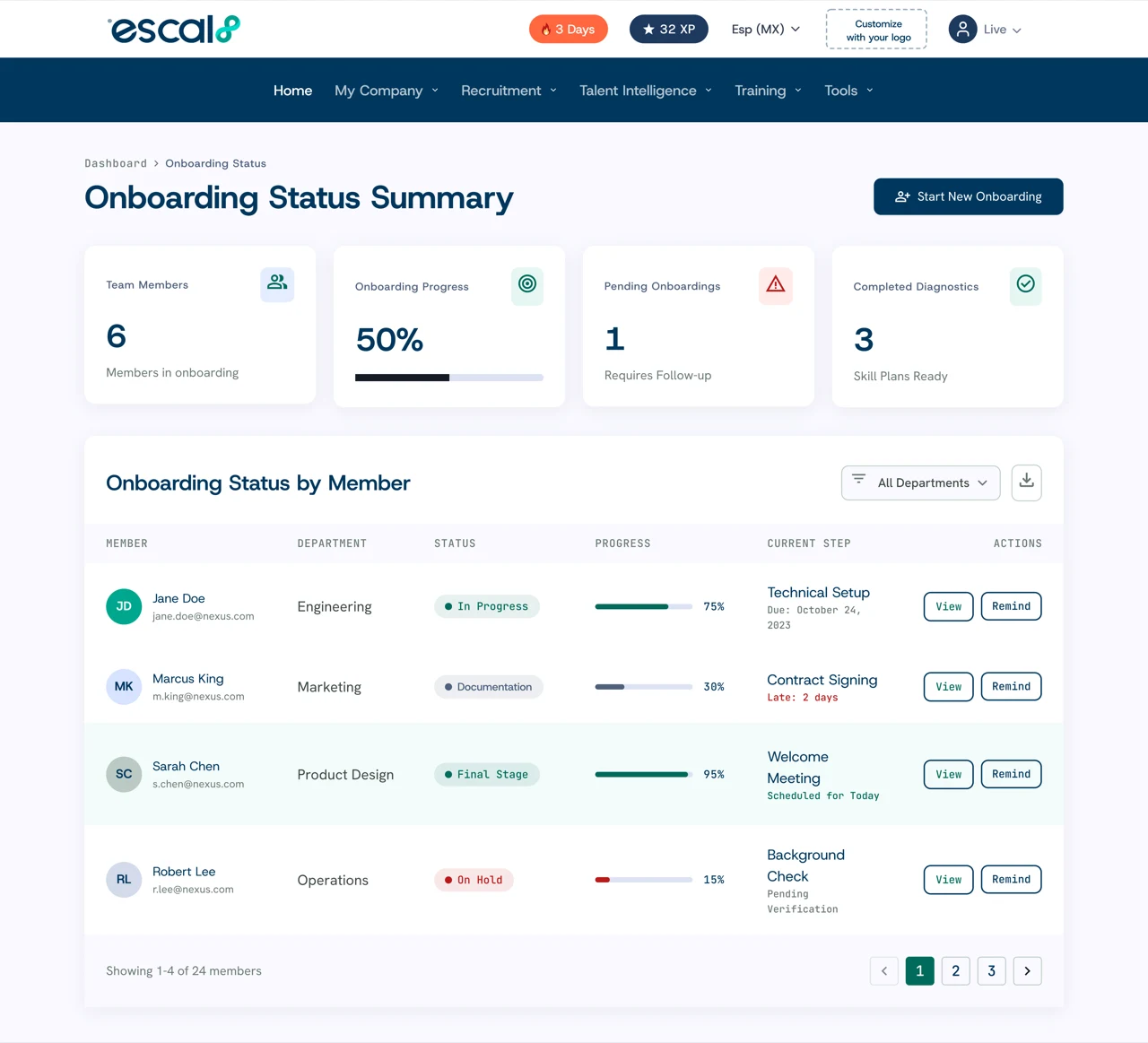
Escal8's onboarding organizes the process by stages, each with its own checklist. You bring the person over from Recruiting, track their progress on a board, and a dashboard tells you how many days each start takes against the target you set.

12%of employees strongly agree their company does a great job onboarding.Gallup ↗

Companies already making decisions with Escal8

Creando TalentoGATPreheatedRitch MuellerVidaltaEagle Property CapitalIbáñez Parkman

What it solves

What your HR team gets from digital onboarding

1

No task depends on someone remembering.

Every stage carries its checklist: welcome, signatures, kit, accounts, and training.

2

You know which step each person is on.

The board shows every new hire sorted by stage, with a name and a date.

3

You measure how long each start takes.

The dashboard compares real time against the business-day target you set.

4

Nobody types the data twice.

The person arrives from Recruiting with their profile and their match score.

5

Each site sees its own.

You filter by country and status, and central HR still sees the whole picture.

How it works

How to build an onboarding process in Escal8

  1. 1

    You define the stages.

    You create them, name them, and reorder them by dragging, until they look like your process.

  2. 2

    You build each stage's checklist.

    You add, edit, delete, and reorder the tasks that belong to that stage.

  3. 3

    You bring the person over from Recruiting.

    When you hire them, you send them to onboarding from their profile and they enter the first stage.

  4. 4

    You check off what is done.

    Their card shows the checklist, and you move them along when they finish what is theirs.

  5. 5

    You check the dashboard.

    You see every new hire's progress against your business-day target.

Onboarding checklist, stage by stage

An employee onboarding process in three stages, which is how most companies have it before they complicate it.

  • Document request. Welcome email sent, documents signed, and welcome kit delivered.
  • Training. Accounts created, training videos completed, and the first day in the office announced.
  • Completed. Photos taken and the onboarding survey answered. A stage with active people cannot be deleted, so nobody ends up stranded in a stage that no longer exists.
Onboarding process stage setup in Escal8, with each stage's checklist and order
Coming soon

Onboarding emails that go out on their own at each stage

Very soon you will set up your process emails once (welcome, documents, closing) and each person will receive them when they reach their stage, with nobody having to remember.

Frequently asked questions

Frequently asked questions about onboarding software

It is the process of bringing a new person into the company: signing documents, handing over the kit, creating accounts, training them, and introducing their team. Good onboarding defines who does each task and by when.

It is a tool that organizes induction into stages and tasks, and shows each new person's progress. It replaces the spreadsheet lists and the emails that depend on somebody remembering.

At minimum: welcome email, document signing, kit delivery, account creation, initial training, first-day announcement, and a survey at the end. In Escal8 each stage has its own checklist and you can edit it.

It depends on the role and the company. In Escal8 you set your target in business days, and the dashboard compares each new hire's real time against it.

Yes. You create the stages, name them, reorder them by dragging, and give each one its checklist of tasks.

From their candidate profile in Recruiting you send them to onboarding in one click, and they enter the first stage of your process with the profile they already had.

Yes. The dashboard filters by country and status, so each site sees its own hires and central HR still sees the total.

You can edit it and reorder it without trouble. The only thing you cannot do is delete it while it still has active people.

See it on your own data

In 30 minutes we show you your team's 8MAP with your own data.

Contact sales